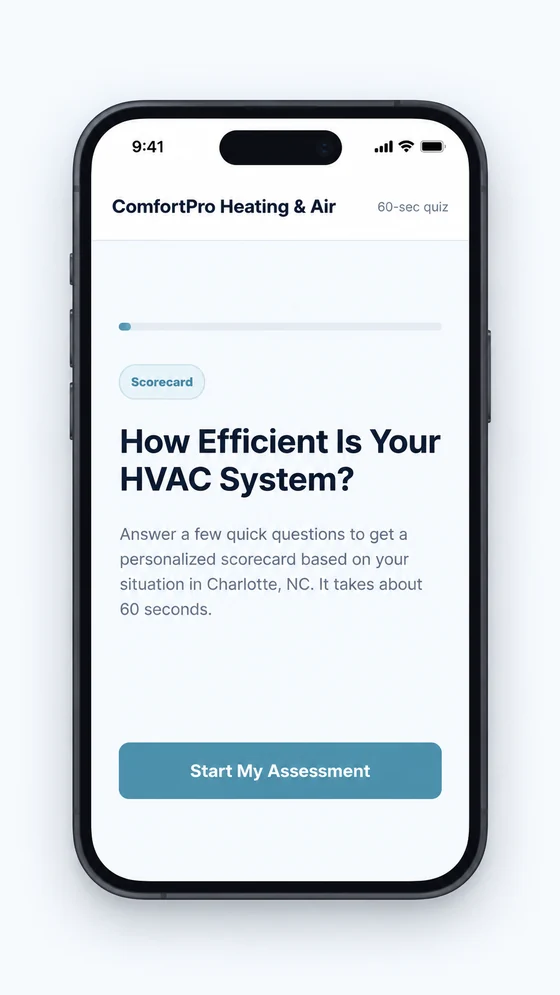
STEP 1
Lead With A Useful Assessment
Introduce a focused quiz promise before the visitor begins.
Follow the quiz from the opening screen through six qualification questions, lead capture and the personalized result.
Introduce a focused quiz promise before the visitor begins.
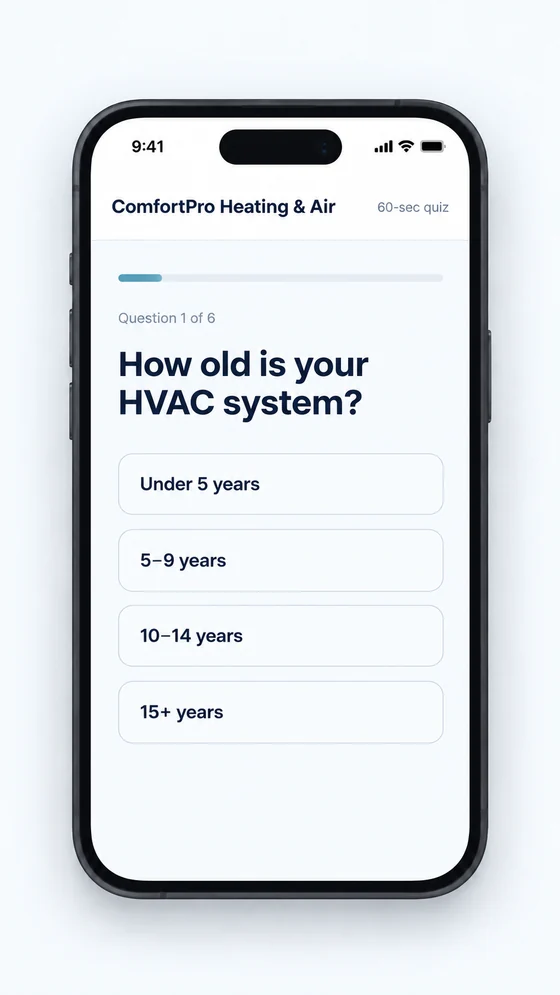
Ask a simple question that gives the business useful lead context.
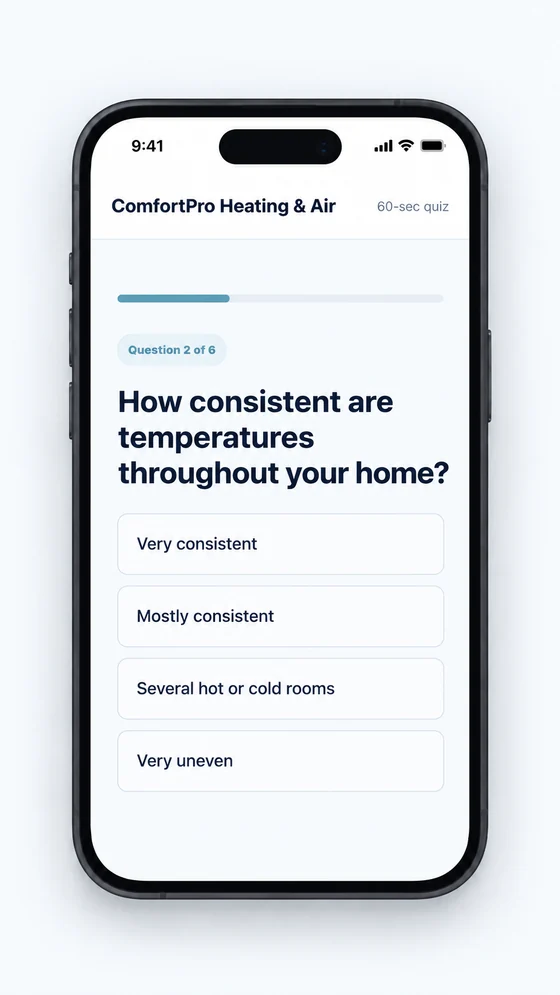
Use a quick qualifier to uncover the prospect's current situation.
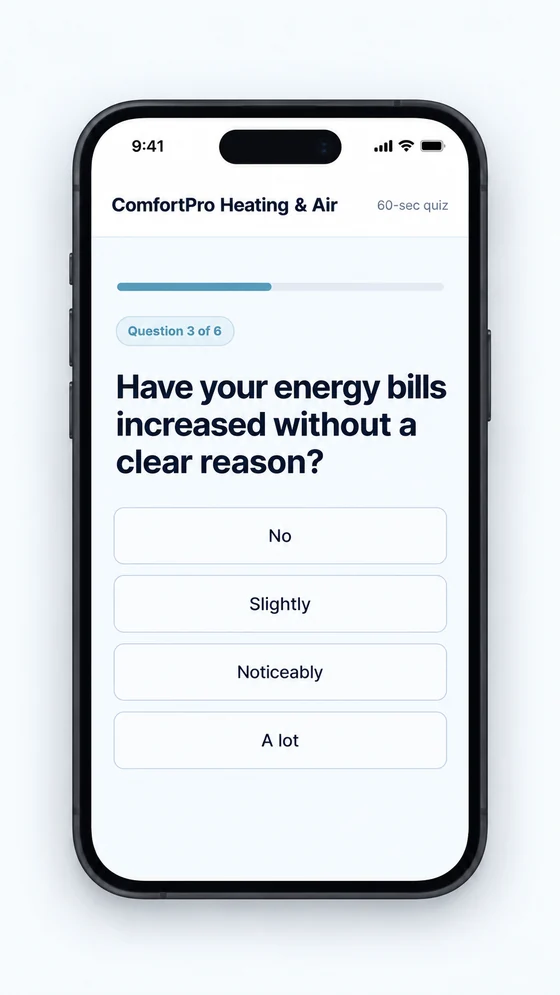
Bring urgency into the conversation with a relevant business symptom.
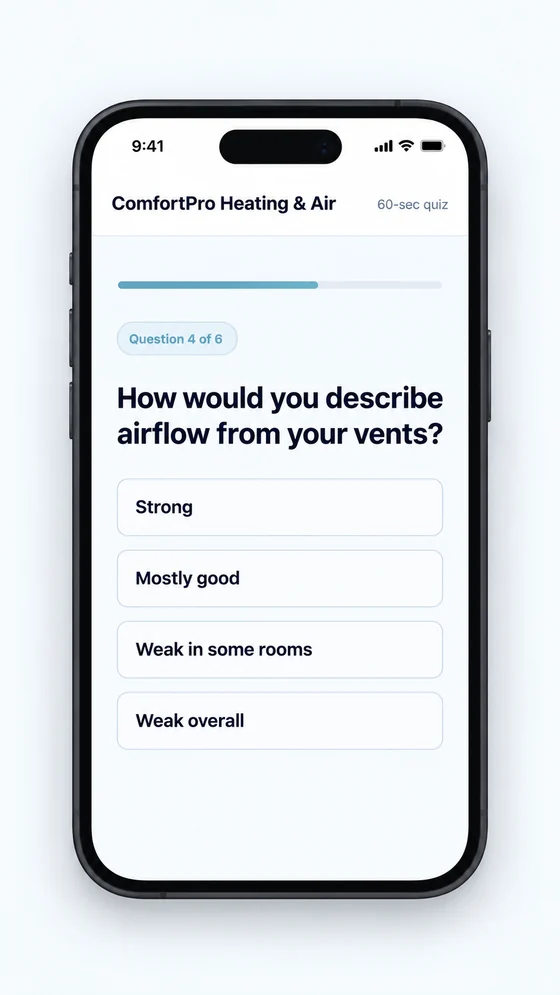
Continue gathering useful information without making the quiz feel heavy.
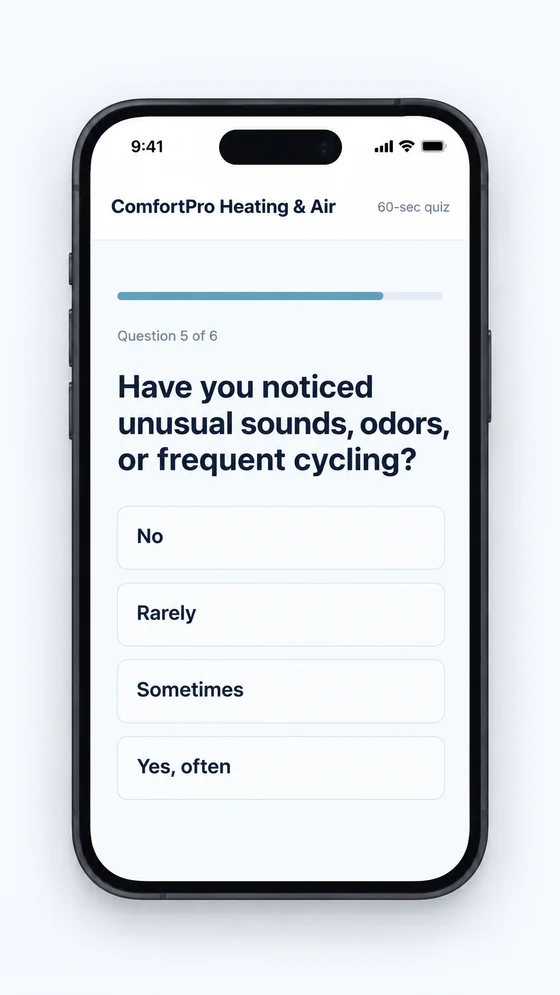
Separate casual visitors from prospects with a more immediate concern.
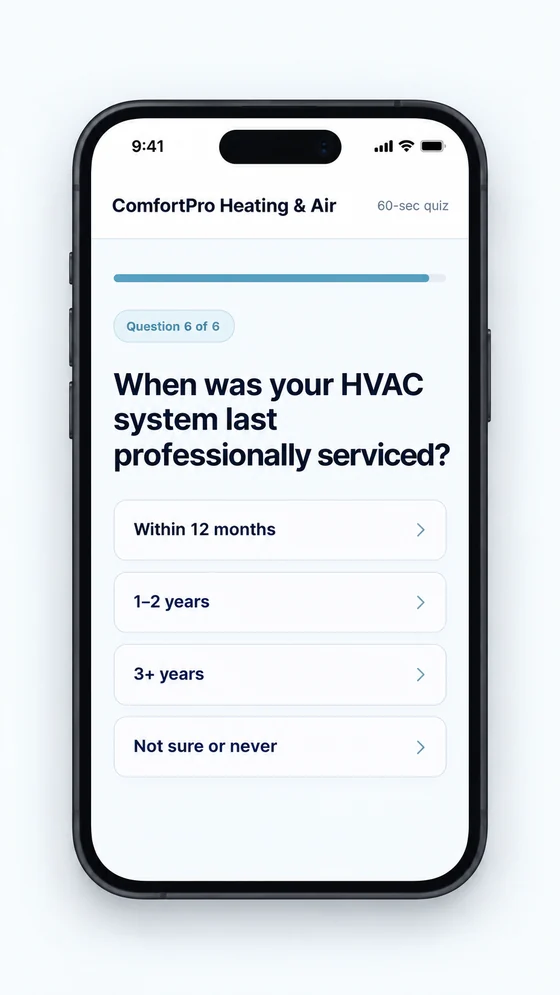
Collect the final context before revealing the result.
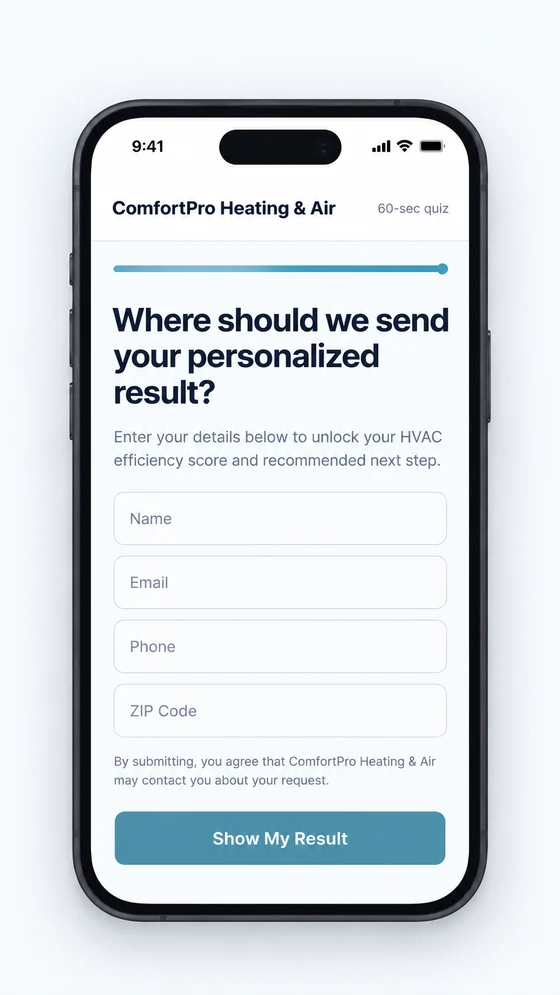
Capture contact details once the visitor has a reason to unlock the result.
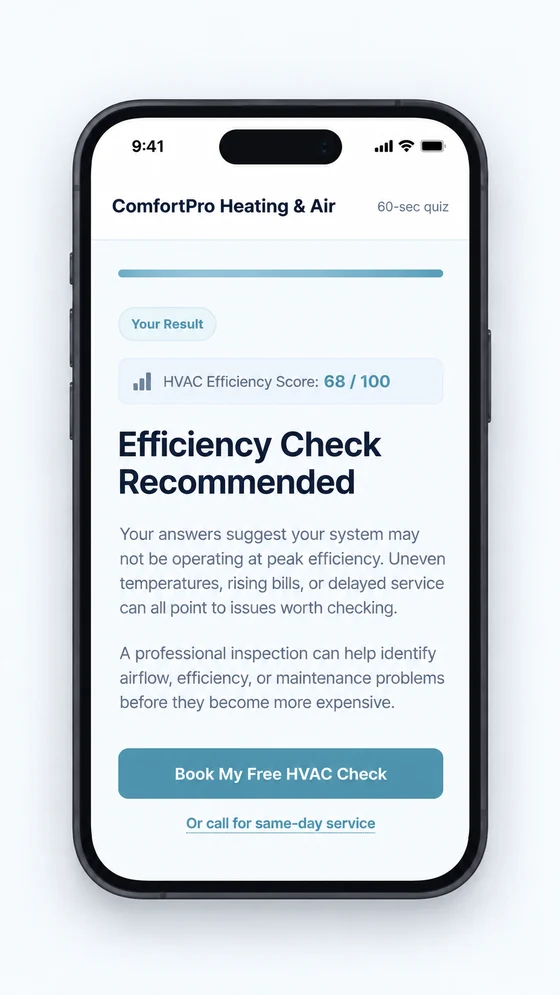
Show a personalized outcome and guide the visitor toward the client CTA.